
Begin with the place
Choose the site type, age, environment and danger. Review its builders, original purpose and what remains for explorers to find.
Tabletop ruins and exploration
A vanished purpose.
A surviving clue.
A place to explore.
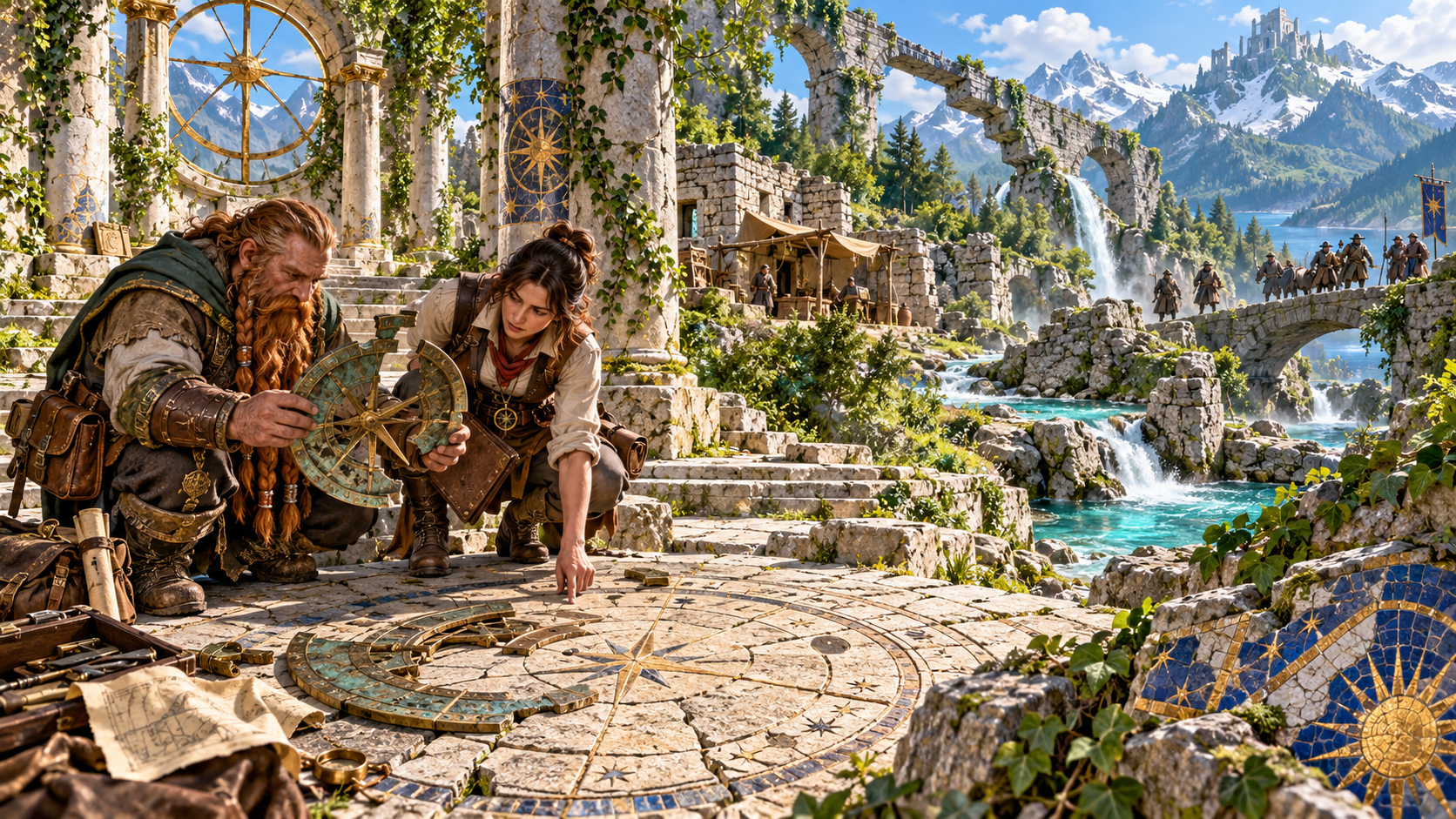
A place with a past
Prepare the lost site and the expedition together.
Choose the site type, age, environment and danger. Review its builders, original purpose and what remains for explorers to find.
Review the discovery hook, clues, inscriptions and relics. Decide what draws the characters in and what they can learn through exploration.
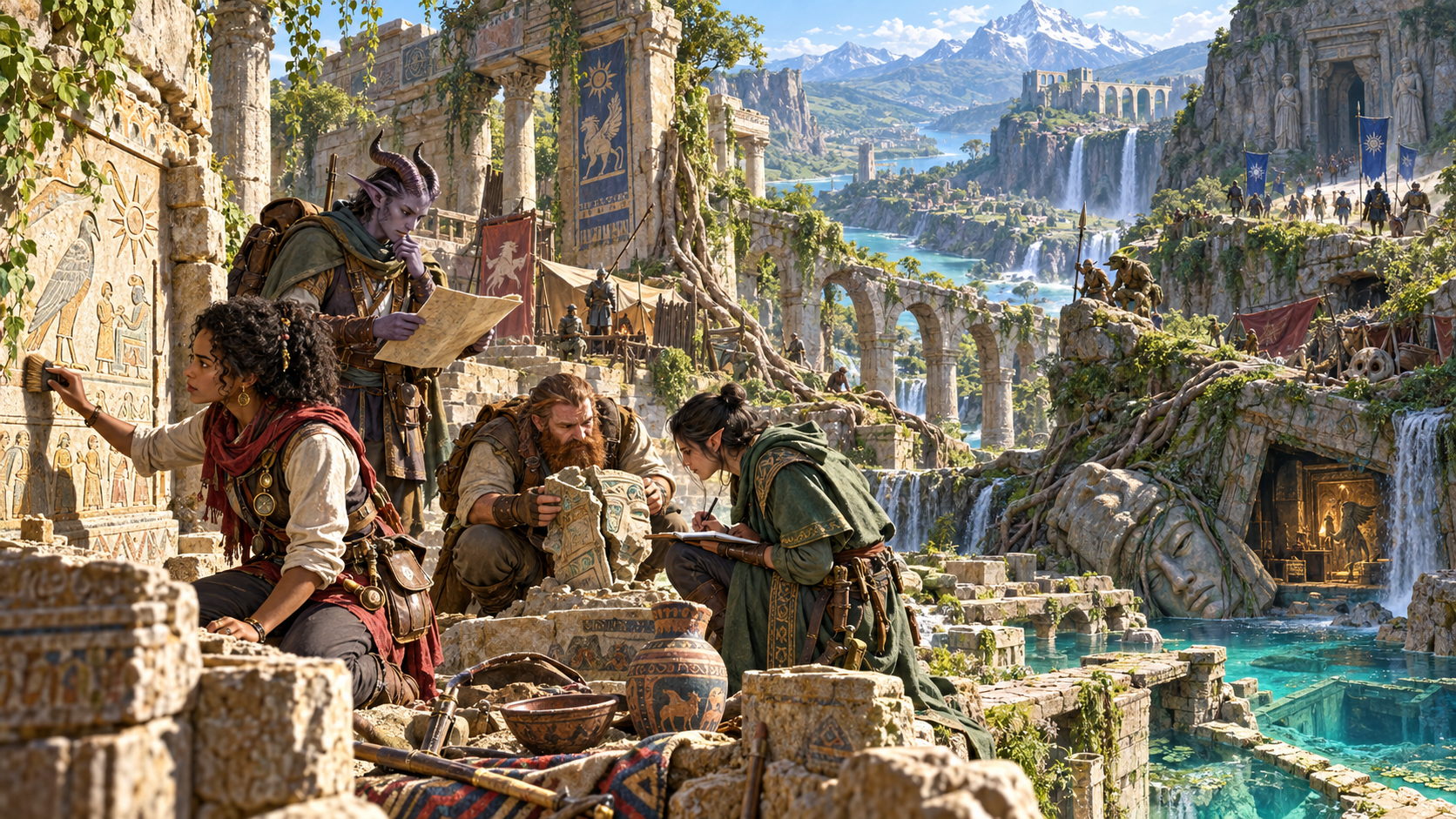
Old stones. Present occupants.
The illustration shows explorers examining inscriptions, fragments and notes among ruined columns, with camps and occupants beside a river and waterfalls.
Prepare the builders, destruction, later occupations and present inhabitants. Review the evidence and decide how each discovery helps the characters understand the place.
Lost site preparation
Shape the ruin for your expedition.
Prepare an ancient city fragment, temple, fort, mine, sunken complex, overgrown ruin or crashed arcane structure. Choose its age, environment and danger.
Review who built the site, their culture and its original purpose. Give the place a reason to have existed before the characters arrived.
Prepare a timeline, later occupations and the cause of destruction. Review the history against the established facts of your campaign.
Choose preservation and collapse, then review surviving and fallen structures. Prepare the routes, obstacles and places worth examining.
Consider how the surroundings changed and how explorers reach the site. Tie the ruin to its present landscape and access routes.
Review inscriptions, evidence and discovery hooks. Choose what the characters can examine and how it points towards the past.
Set clue and relic density, then review discoveries and concealed spaces. Decide what belongs in the expedition and your campaign.
Prepare current occupants, hazards and competing explorers. Consider what they want and how they affect exploration.
Choose magic, optional curses or unusual phenomena during setup. Review their role alongside the site history, danger and discoveries.
Save and reopen useful site records, review earlier versions and prepare alternate expedition notes. Print or export the material you choose to use.
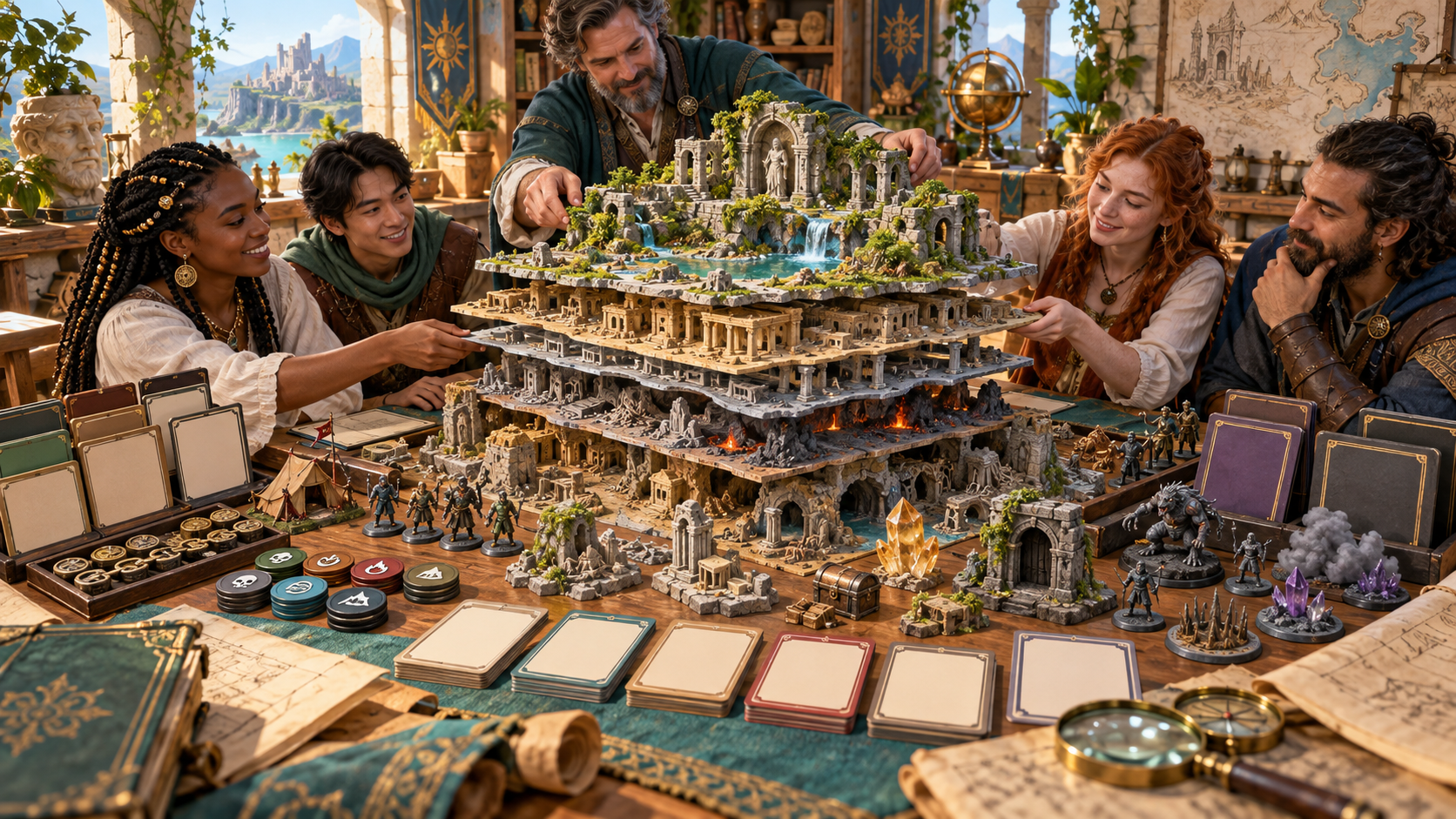
Build your exploration material
The illustration shows a group arranging a layered miniature ruin, surrounded by occupants, structure pieces, tokens and preparation cards.
Choose the culture, preservation, collapse and current occupation. Review the structures, clues, relics and hazards together, then edit the material to fit your adventure.
From the first hook to the ruins
A focused exploration workflow.
Set the type, age, environment and danger. Give the site a place in your campaign world.
Choose builders, culture, destruction and preservation. Add occupants, magic, clues, relics and rival explorers as useful.
Read the history, surviving structures, access and evidence. Decide what each discovery means for the characters.
Review the Dungeon Master key and player handout. Keep the material you need for the session and check it before sharing.
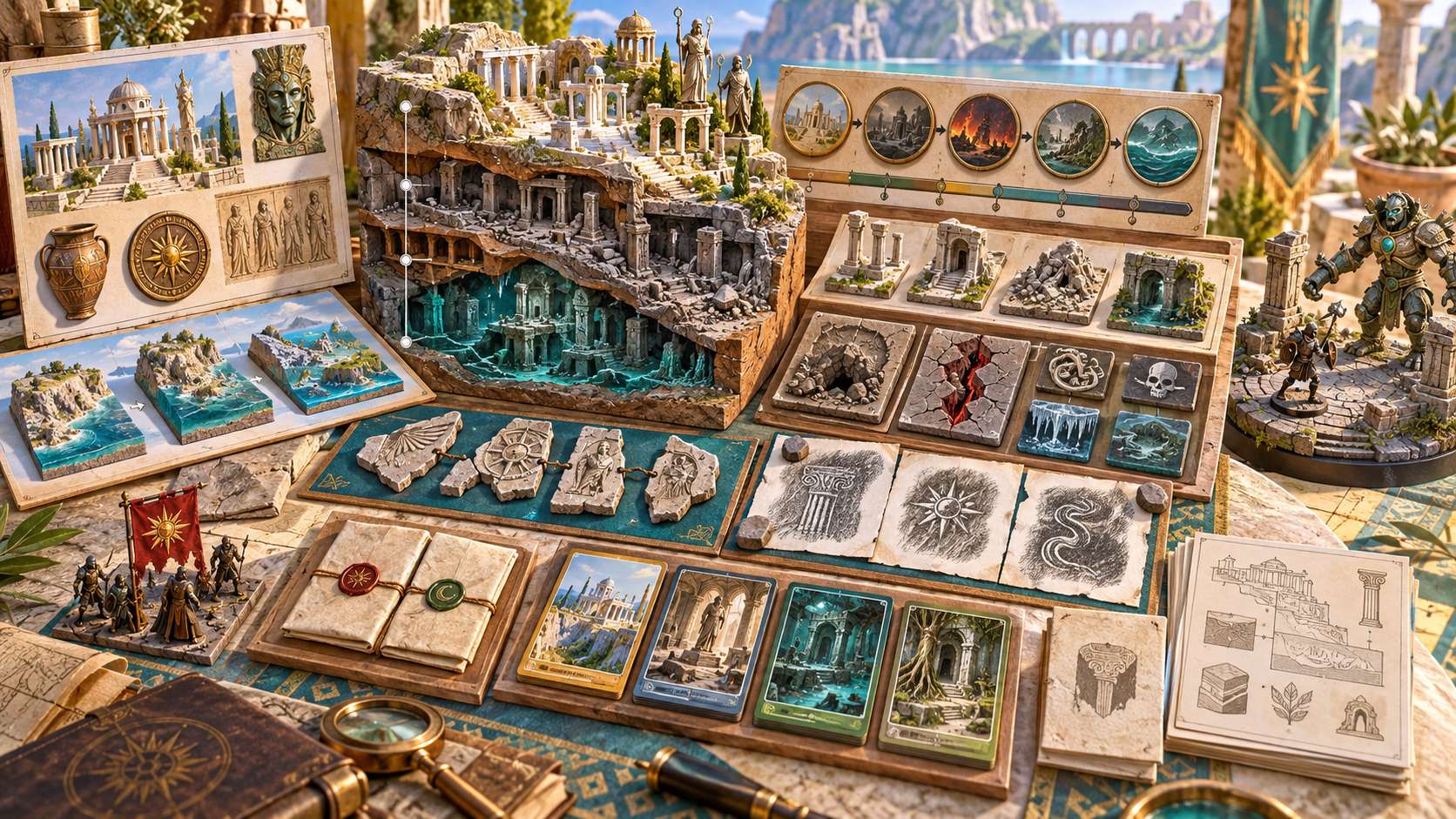
Gather the expedition notes
The illustration shows a layered ruin model beside a history timeline, relic fragments, inscription rubbings, site cards and a separate guardian scene.
Review the site record, evidence and discoveries as you prepare exploration. Decide which occupants or hazards belong in a scene, and keep the history and private notes close at hand.
Keep useful lost site material
Keep the ruin with your campaign notes.
Save the site record and reopen it for later preparation. Keep the material you want to use in your campaign.
Reopen earlier site versions while reviewing your preparation. Compare the material before choosing what belongs in the adventure.
Keep alternate expedition notes for a return visit or a different approach. Review the site and discoveries for that session.
Choose the Dungeon Master key or player handout for printing and export. Review the exact contents before sharing with the group.
Your workspace and related tools
Open your tools through your VISINVOKE account.

Open Ruin & Lost Site Generator in DCC. Get the desktop workspace through your account installer page.
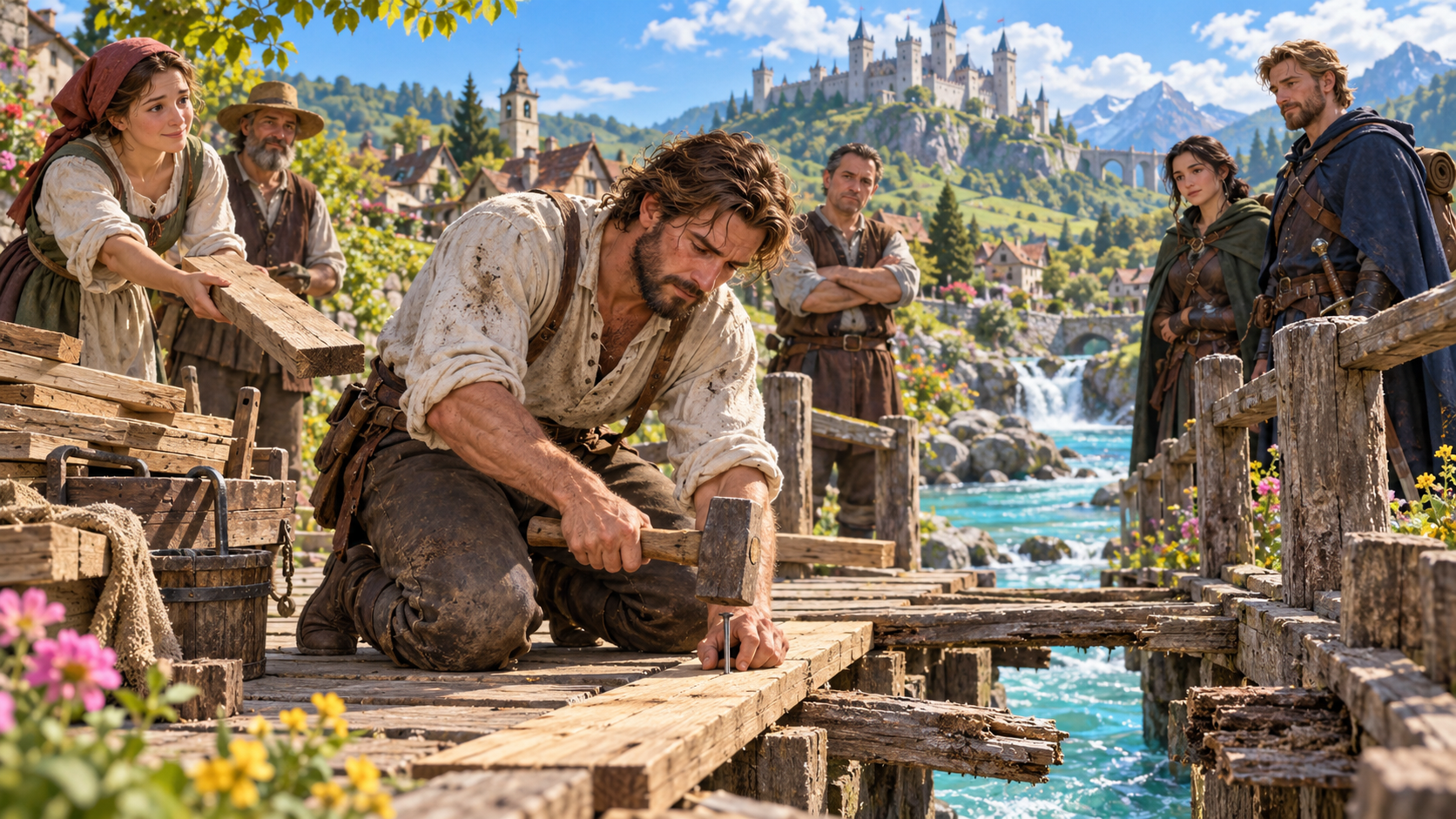
Prepare a separate story about making amends, its cost and how others respond. Use that material alongside your adventure.
Product illustrations show archaeological discoveries, layered ruins, expedition preparation and site notes.
Questions and answers
Site preparation, review, records and account access.
Prepare ancient city fragments, temples, forts, mines, sunken complexes, overgrown sites, crashed arcane structures and buried ruins. Review the history, structures, discoveries and current occupants.
Quick setup covers type, age, environment and danger. Deep setup adds culture, destruction, preservation, occupation, collapse, magic, clue and relic density, competing explorers and optional unusual phenomena.
Review identity, builders, purpose, timeline, occupations, destruction, surviving structures, access, clues, inscriptions, relics, hidden areas, occupants, hazards and the Dungeon Master archaeological key.
Edit the result or reroll a section during preparation. Review the site identity, history, discoveries and inhabitants together before using the revised material in your campaign.
Choose the player handout or Dungeon Master key and review the exact contents before printing or exporting. Decide what the characters know and keep private preparation with your own notes.
Open Ruin & Lost Site Generator in VISINVOKE Desktop Control Centre. Create an account or sign in and get DCC through your account installer page.
Continue in VISINVOKE
Create an account or sign in. Get Desktop Control Centre through your account installer page and open Ruin & Lost Site Generator.
Keep useful site records and expedition notes with your desktop preparation.